SAVING · PRACTICAL GUIDE
How to Check Your Credit Reports for Errors
Learn how to review your credit reports step by step, spot information that may be inaccurate, and understand what to check before deciding whether an item needs further action.
QUICK ANSWER
The Short Answer
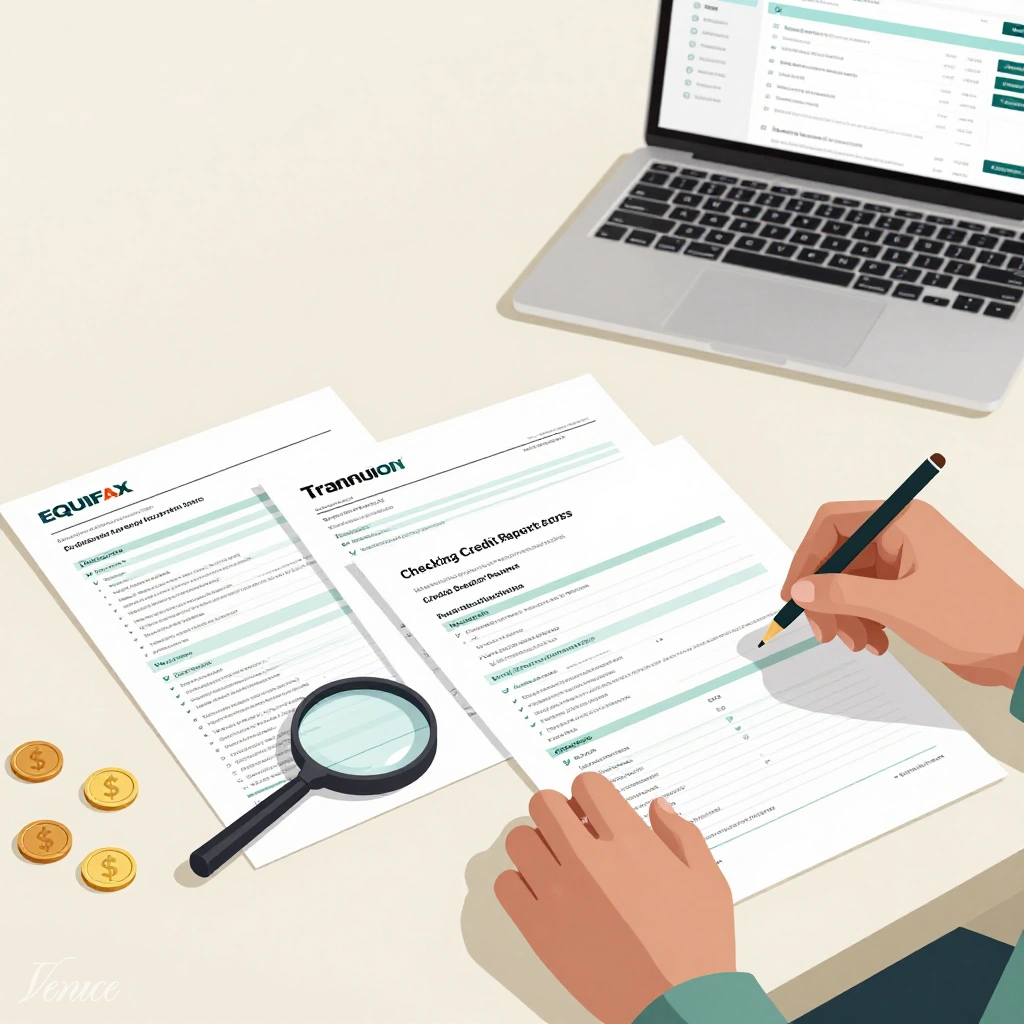
Checking your credit reports for errors means reviewing the information reported by Equifax, Experian, and TransUnion and comparing it with records you trust. Look for accounts you do not recognize, incorrect payment information, inaccurate balances or limits, duplicate entries, and personal details that do not belong to you.
What You'll Do
- ✓ Review credit reports from all three nationwide credit reporting companies.
- ✓ Check personal information and every reported credit account.
- ✓ Compare payment status, balances, credit limits, dates, collections, and inquiries with your records.
- ✓ Document anything that appears inaccurate before deciding on the appropriate next step.
WHY THIS MATTERS
Why Checking All Three Credit Reports Matters
Equifax, Experian, and TransUnion maintain separate credit files, so information can appear differently across your reports even when the accounts belong to the same person.
Creditors do not necessarily report every account to all three nationwide credit reporting companies, and updates may reach one bureau before another. That means your reports may not contain exactly the same information at the same time.
A difference between reports is therefore not automatically an error. One report may show a newer balance, for example, while another still reflects information from an earlier reporting cycle.
Reviewing all three reports gives you a broader view of the credit information being reported about you and makes it easier to separate normal differences from information that may actually be inaccurate.
RELATED GUIDE How Credit Reports Work and What They Include →KEY IDEA
Your three credit reports do not need to be identical to be accurate. The goal is to identify information that cannot be reasonably explained by reporting timing, creditor practices, or your own records.
STEP-BY-STEP METHOD
How to Check Your Credit Reports for Errors
Review each report in the same order so nothing important gets overlooked. The goal is to separate normal reporting differences from information that may actually be inaccurate.
STEP 1
Start With All Three Credit Reports
Review reports from Equifax, Experian, and TransUnion. Because each company maintains a separate credit file, the information shown on your reports may not be identical.
Work through one report at a time and use the same review process for each one. That makes differences easier to spot when you compare them later.
PRACTICAL TIP
Download or print each report and mark questionable information as you go. You can investigate those items after completing the first review.
STEP 2
Check Your Personal Information
Begin with the identifying information connected to your credit file. Some older information or familiar variations may be normal, but details that clearly belong to someone else deserve closer attention.
- Your name and familiar name variations
- Current and previous addresses
- Phone numbers
- Other identifying information shown on the report
WATCH FOR
An address you have never used, an unfamiliar name, or information that appears to belong to another person can indicate a reporting problem.
STEP 3
Review Every Credit Account
Move through the account section one item at a time. Start by asking whether you recognize the account, then check whether its basic details match what you know.
- Do you recognize the creditor or lender?
- Is the account type correct?
- Is the account correctly shown as open or closed?
- Is your relationship to the account accurate?
- Do the reported dates generally match your records?
DON'T ASSUME TOO FAST
An unfamiliar company name may be a lender's legal name, parent company, or loan servicer. Compare the account details before deciding that the entry is incorrect.
STEP 4
Check Payment Status, Balances, and Credit Limits
After confirming that an account belongs to you, inspect how the account is being reported. Compare important details with statements or other reliable records when something looks wrong.
- Payments incorrectly reported as late
- Incorrect open or closed status
- Balances that appear inaccurate
- Incorrect credit limits
- Dates that conflict with your records
REPORTING TIMING
A balance that differs from what you owe today is not automatically an error. Credit reports may reflect an earlier balance supplied during the creditor's reporting cycle.
STEP 5
Review Collections, Public Records, and Inquiries
Do not stop after checking your regular credit accounts. Review the remaining sections for information that does not belong to you or appears inconsistent with your records.
- Collection accounts you do not recognize
- Debts that appear to be duplicated
- Public-record information that does not belong to you
- Hard inquiries tied to applications you do not recognize
IMPORTANT DISTINCTION
Soft inquiries can appear for reasons such as account reviews or checking your own credit. They are different from hard inquiries associated with applications for credit.
STEP 6
Document Anything That Needs a Closer Look
When you finish reviewing the reports, return to every item you marked. Record enough information to explain why you believe the entry may be inaccurate.
- Which credit report contains the item?
- Which creditor or company is involved?
- What does the report currently say?
- What do you believe the correct information should be?
- Which records support your conclusion?
NEXT STEP
Finding something unfamiliar is the beginning of the review, not proof that the information is wrong. Confirm the details first, then determine whether the item needs to be disputed or investigated further.
REAL-LIFE EXAMPLE
What a Credit Report Error Can Look Like
A difference on your credit report is not always an error. The key is comparing what the report says with records you can verify.
EXAMPLE SCENARIO
Maya Finds a Late Payment She Does Not Recognize
Maya reviews one of her credit reports and sees that a credit card payment from June is listed as 30 days late. She remembers paying the bill on time, so she checks her statement and payment confirmation before deciding whether the entry may be inaccurate.
| Item | What She Finds |
|---|---|
| Account | Recognized |
| Creditor | Matches |
| Payment due date | June 12 |
| Payment date | June 10 |
| Credit report status | 30 days late |
| Statement record | Paid on time |
| Records agree? | No |
| Needs review? | Yes |
WHAT THIS SHOWS
Maya Has Evidence to Investigate the Entry Further
Maya does not assume the credit report is wrong just because the late payment surprises her. She first confirms that the account belongs to her and then compares the reported information with records she trusts.
Because her payment confirmation shows the payment was made before the due date, she now has a specific discrepancy to document and investigate.
SIMPLE CHECK
THE TAKEAWAY
Do not treat every surprising entry as an error. First compare it with reliable records, then document the discrepancy before deciding on the next step.
This example is illustrative. Credit reports can display information differently, and reporting timing may explain some differences.
INTERPRET WHAT YOU FIND
What Should You Do When Something Looks Different?
Not every difference on a credit report is an error. What matters is whether the information can be reasonably explained, conflicts with reliable records, or may point to a more serious problem.
REPORTING TIMING
If a Balance Is Different From What You Owe Today
A credit report may show a balance supplied during an earlier reporting cycle rather than your current account balance. Check the reporting date and compare it with your most recent statement or payment activity before treating the difference as an error.
UNFAMILIAR ACCOUNT NAME
If You Do Not Recognize the Company Name
An account can appear under a lender's legal name, parent company, or loan servicer instead of the brand name you normally recognize. Compare the account type, partial account number, opening date, and other details before assuming it is not yours.
RECORDS CONFLICT
If the Report Conflicts With Records You Trust
If a payment is shown as late, a balance or limit appears wrong, or an account status conflicts with reliable statements or payment records, document the discrepancy carefully before moving to the dispute process.
POSSIBLE IDENTITY THEFT
If You Find an Account or Inquiry That Is Clearly Not Yours
An unfamiliar account, hard inquiry, or personal information that appears alongside other suspicious activity may require more than a routine accuracy review. Treat possible identity theft as a security issue and investigate it promptly.
NOT SURE WHETHER IT IS AN ERROR?
Start by comparing the item with records you trust and checking whether reporting timing or an unfamiliar company name explains the difference. If the information still conflicts with your records, document it for further action.
FREE OFFICIAL RESOURCE
Get Your Credit Reports Before You Start Reviewing
AnnualCreditReport.com is the federally authorized website for requesting free credit reports from Equifax, Experian, and TransUnion. Having all three reports gives you a clearer starting point for checking the information being reported about you.
- ✓ Access reports from all three nationwide credit reporting companies.
- ✓ Review accounts, payment history, balances, inquiries, and identifying information.
- ✓ Compare reports before deciding whether a difference may actually be inaccurate.
Free official resource · Equifax · Experian · TransUnion
CREDIT REPORT REVIEW
First Pass
Example review workflow
FOUND SOMETHING INACCURATE?
The Consumer Financial Protection Bureau explains what to document and how the credit-report dispute process works.
TAKE ACTION
Your Credit Report Review Action Plan
You do not need to investigate every detail at once. Review the reports systematically, document anything that looks wrong, and separate normal reporting differences from information that may require further action.
TODAY
Start the review
Gather and Review Your Credit Reports
Start with reports from Equifax, Experian, and TransUnion and work through each one using the same review process.
- Check your identifying information.
- Confirm that you recognize every credit account.
- Review payment status, balances, limits, and dates.
- Mark anything that needs a closer look.
NEXT
Verify the details
Compare Questionable Items With Your Records
Return to the items you marked and compare them with statements, payment confirmations, account records, or other information you trust.
- Check whether reporting timing explains a balance difference.
- Confirm unfamiliar creditor or servicer names.
- Compare late-payment information with payment records.
- Separate unclear information from information that appears incorrect.
IF SOMETHING IS WRONG
Document and act
Record the Discrepancy Before Taking the Next Step
If the information still conflicts with reliable records, document exactly what is wrong and what evidence supports the correct information.
- Note which credit report contains the questionable item.
- Record the creditor, account, or inquiry involved.
- Save copies of supporting statements or confirmations.
- Treat possible identity theft as a separate security issue.
QUICK CHECK
Before Calling Something an Error, Ask One Question
Can the difference be reasonably explained by reporting timing, a creditor or servicer name, or information in your own records?
COMMON MISTAKES
Mistakes to Avoid When Reviewing Your Credit Reports
Credit reports can contain unfamiliar names, older information, and timing differences that are not necessarily errors. A careful review means verifying the details before deciding what needs action.
MISTAKE
Checking Only One Credit Report
Equifax, Experian, and TransUnion maintain separate credit files, and the information reported to each company may differ. Reviewing only one report can leave other information unchecked.
BETTER APPROACH
Review all three reports using the same process so you can compare what appears in each file.
MISTAKE
Assuming Every Difference Is an Error
A balance, account update, or other detail may differ because creditors report at different times or do not report to every credit bureau.
BETTER APPROACH
Check reporting dates and recent account activity before treating a difference as inaccurate.
MISTAKE
Treating an Unfamiliar Company Name as Fraud
An account can appear under a lender's legal name, parent company, or servicing company instead of the consumer-facing brand you normally recognize.
BETTER APPROACH
Compare the account type, partial account number, opening date, and other identifying details before drawing a conclusion.
MISTAKE
Disputing an Item Before Gathering Supporting Records
If a payment status, balance, credit limit, or account detail appears wrong, acting before checking your own records can make it harder to explain exactly what the problem is.
BETTER APPROACH
Document what the report says, what you believe is correct, and which statements or records support your position.
MISTAKE
Treating Possible Identity Theft Like an Ordinary Reporting Error
An unfamiliar account, hard inquiry, or personal information can sometimes indicate more than a simple reporting mistake, especially when several suspicious items appear together.
BETTER APPROACH
Treat suspected identity theft as a security issue. Document the suspicious activity and use the appropriate identity-theft recovery and credit-protection resources.
REMEMBER
A surprising entry is not automatically an error. The strongest review process is to verify the account, compare it with reliable records, and document the specific discrepancy before taking action.
FREQUENTLY ASKED QUESTIONS
Common Questions About Checking Credit Reports for Errors
These questions cover the situations that most often come up when reviewing credit reports and deciding whether something is simply different or may actually be inaccurate.
Do I need to check all three credit reports? +
Yes, reviewing all three can give you a more complete view. Equifax, Experian, and TransUnion maintain separate files, and creditors may not report the same information to every credit reporting company.
A difference between reports is not automatically an error, but checking all three makes it easier to identify information that deserves a closer look.
Learn how credit reports work →Does checking my own credit report hurt my credit score? +
No. Checking your own credit report does not lower your credit scores. Reviewing your own report is different from a hard inquiry created when you apply for certain types of credit.
Learn how credit scores work →Is a different balance automatically a credit report error? +
Not necessarily. Credit reports may reflect information supplied during an earlier reporting cycle, so the balance shown can differ from what you owe today.
Compare the reporting date, your latest statement, and recent payments before deciding that the amount is inaccurate.
Learn how reported balances affect credit utilization →What if I do not recognize a creditor name? +
Do not assume immediately that the account is fraudulent. A credit account can appear under a lender's legal name, parent company, or servicing company instead of the brand name you usually recognize.
Compare the account type, opening date, partial account number, and other available details before deciding whether the account belongs to you.
What should I do if I find information that appears wrong? +
Document the specific item first. Note which report contains it, what the report says, what you believe is correct, and which records support your position.
If the information still appears inaccurate after you verify the details, you can move to the appropriate credit-report dispute process.
Review CFPB dispute guidance →What if an unfamiliar account looks like identity theft? +
Treat suspected identity theft as more than a routine reporting error. An unfamiliar account, hard inquiry, or identifying information can require additional steps to protect your credit file and document the activity.
Visit IdentityTheft.gov →KEEP LEARNING
Continue With the Next Most Useful Credit Guides
These guides deepen the concepts that make credit-report review easier to understand and put into context.
How Credit Reports Work and What They Include
Learn how credit reports are organized, what information they contain, and how reported data fits together.
Read the guide → UNDERSTAND BALANCESWhat Is Credit Utilization and How Does It Work?
Understand why reported balances and credit limits matter, how utilization is calculated, and why the balance on a report may differ from what you see today.
Read the guide → BUILD THE FOUNDATIONHow to Build Credit From Scratch
Learn how responsible account activity can help establish a credit history and what to monitor as your credit file develops.
Read the guide →WANT THE BIGGER PICTURE?
Continue with the main credit-score guide to understand how information from your credit reports can be used by scoring models and why different credit scores can exist.
SOURCES & METHODOLOGY
How We Verified This Guide
Verestly uses primary government sources and official consumer-credit resources whenever possible. For this guide, we reviewed current information about obtaining credit reports, identifying common reporting errors, checking your own reports, and understanding what to do when information appears inaccurate.
LAST REVIEWED
September 2026
This guide was reviewed for credit-report accuracy, consumer-rights guidance, source quality, search intent, and beginner clarity.

ABOUT THE AUTHOR
Edvaldo Ribeiro
Edvaldo Ribeiro creates beginner-focused personal-finance education for Verestly, with an emphasis on practical systems, clear explanations, responsible credit education, and actionable financial tools.
View author profile →VERESTLY NEWSLETTER
Get Practical Money Guides and Tools
Join Verestly for beginner-friendly financial education, practical credit guidance, new tools, and resources designed to make everyday money decisions easier to understand.
Free resources · Beginner-friendly · Unsubscribe anytime
RELATED GUIDES
Continue Learning
Explore three additional credit guides selected to help you understand reports, scores, and the next steps when something on your credit file needs attention.